
Use it when
You want to start from a professional template, recolor and restyle it on your phone, and export a PNG for free or a true vector SVG/PDF for print and signage.
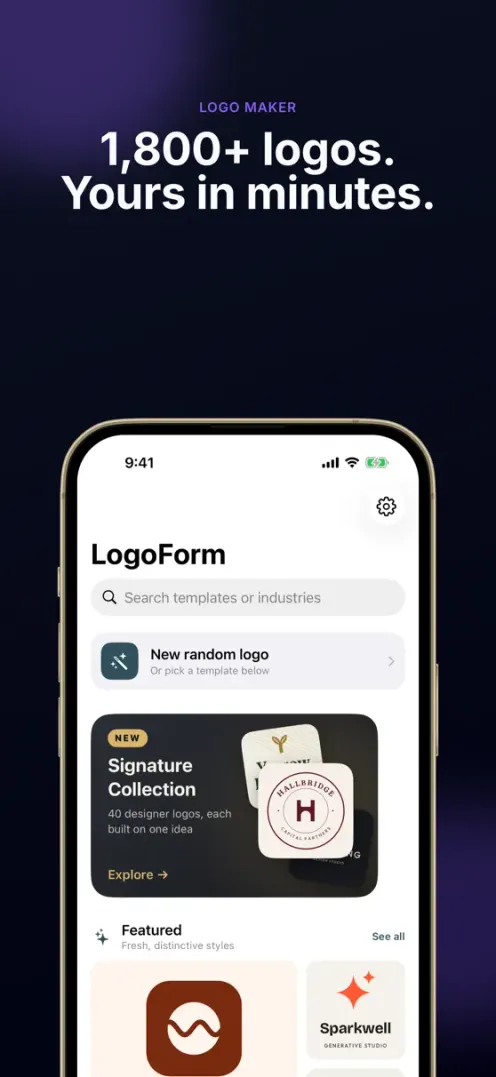
LogoForm is an iPhone logo maker with 1,800+ templates for 60 industries. Recolor any part, swap fonts and icons, export a PNG or true vector SVG and PDF, then put your logo on a business card.
Free to download · iPhone & Android · Premium unlocks vector export
1,800+ templates
From coffee emblems to tech monograms to beauty scripts, templates for 60 industries. Pick a starting point that's already close to done and make it yours in a few taps.
Smart recoloring
Every logo is made of linked vector parts. Choose one palette and the symbol, type, and accents all re-tune together. Watch the mark below change its outfit in real time.
Industries
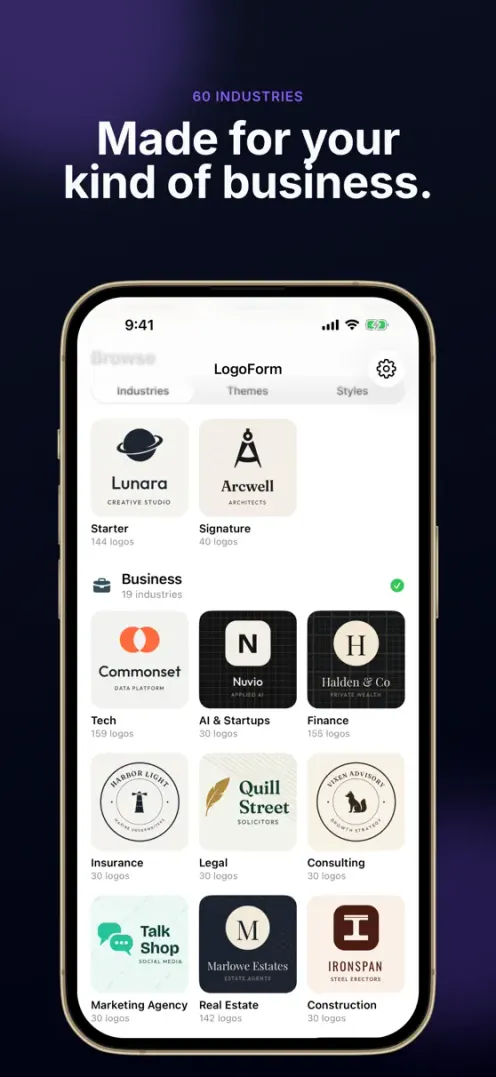
From cafés, bakeries and barbers to law firms, AI startups and nonprofits. Browse by industry, by theme or by visual style, and search every template by name or industry.
Consultancies, agencies, and startups that need a confident, trustworthy mark.
Beauty, wellness, and personal brands with a softer, more expressive feel.
Fitness, sports, and the outdoors — bold, energetic, built to move.
Cafés, restaurants, and stays with warm, inviting character.
Creators, photographers, and makers who want a clean, editorial mark.
Six styles
From a classic emblem to a minimal symbol — narrow the whole library down to the style you want.
The toolkit
Type, icons, shapes, and patterns — every element to frame and finish a mark is built right into the app.
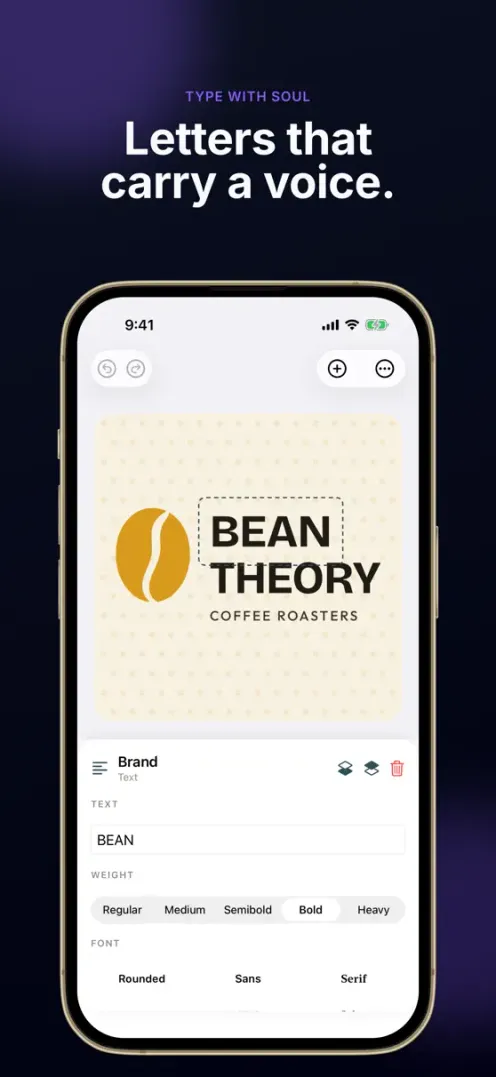
Google Fonts plus real lettering techniques — monograms, shadow, negative space, and curved text.
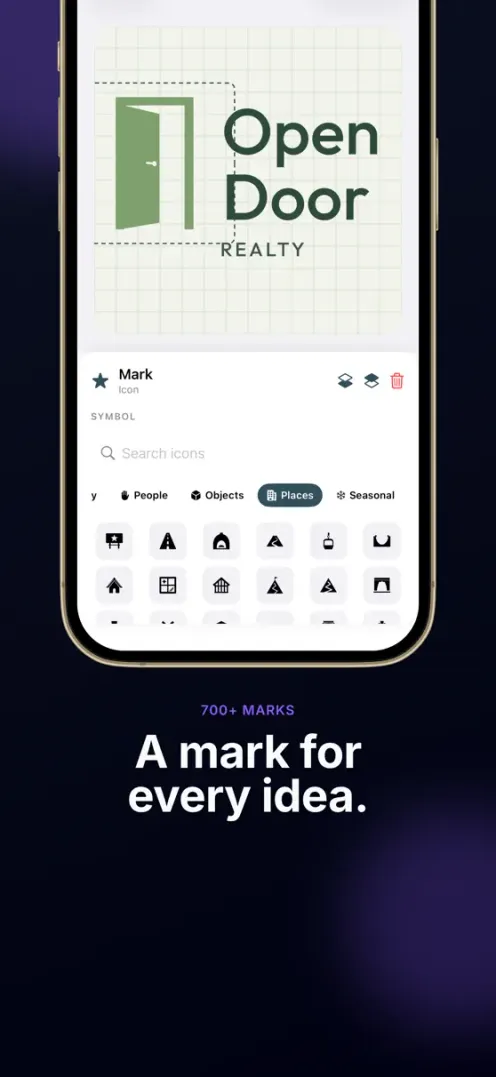
720 Lucide vector icons plus SF Symbols across 13 categories, a searchable picker with favorites, and 700+ logo marks drawn for the templates.
Container shapes to frame your icon and give the mark structure.
Background patterns and accents to finish a mark.
Inside the app
Real screens from LogoForm — browse templates, recolor any part, and export a finished mark, all in one place.
Business cards
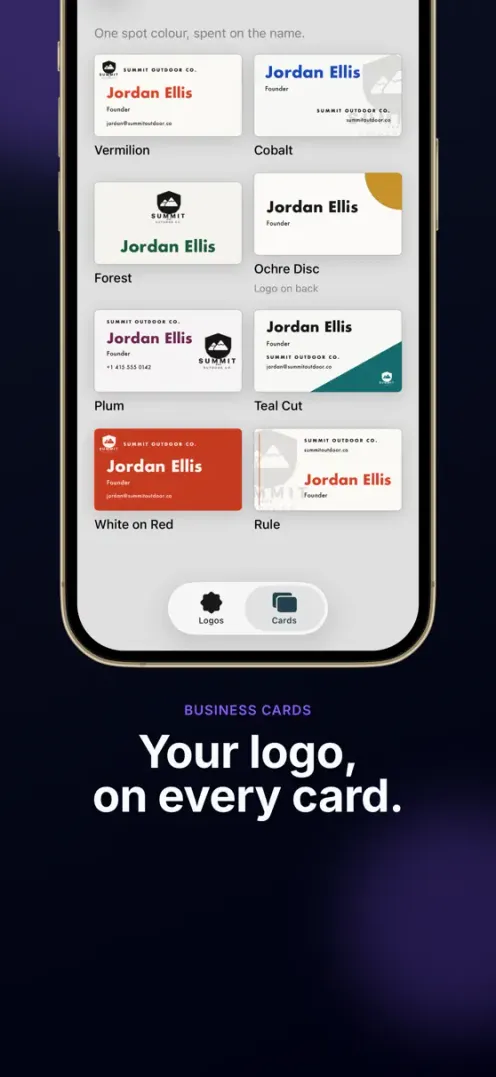
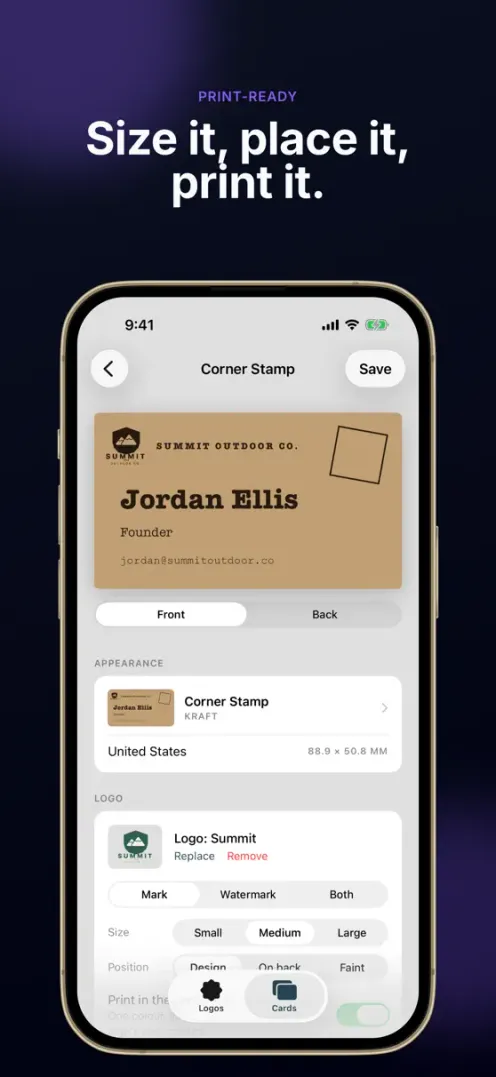
Turn the logo you made into a business card in the Cards tab. 352 designs in 44 print styles, three sizes (90×50 mm, 85×55 mm, 3.5×2 in), a QR code on the back, and a print-ready PDF with bleed and crop marks on Premium.
Export
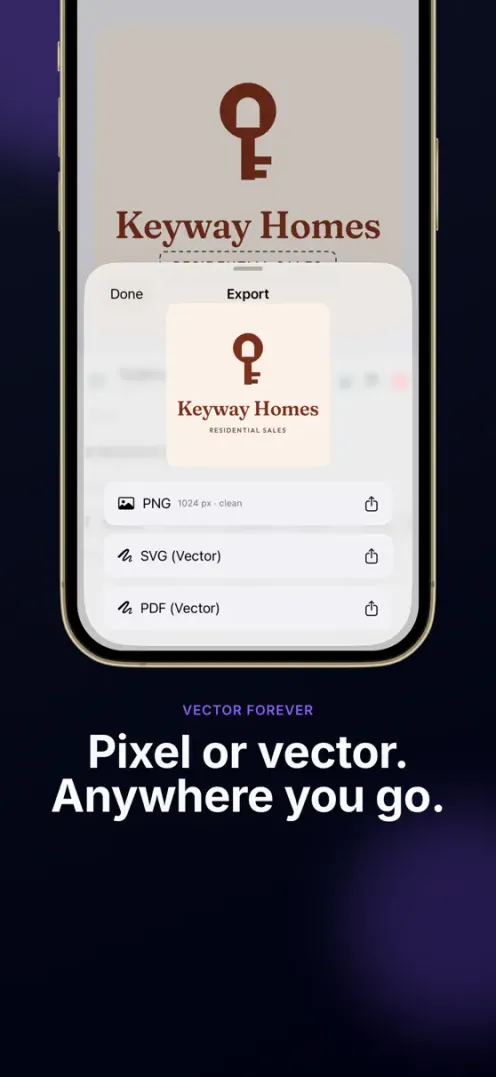
Because your logo is real vector art, it stays razor-sharp everywhere — and stays editable in any tool you already use.
The same mark, from a favicon to a billboard — always razor-sharp.
Free: 512×512 with a watermark. Premium: 1024×1024 without.
True vector for web and code that scales without losing sharpness.
Print-ready vector for signage, packaging, and stationery.
How it works
Browse 1,800+ templates by industry, theme or visual style — Classic, Lettermark, Wordmark, Symbol, Geometric, Emblem.
Tap any part to recolor, resize, swap, or move it. Change one color and every linked element updates together.
Drop in any of 14 fonts, 720+ icons, container shapes, accents, and patterns — with snap guides, undo, and auto-save.
Save a PNG, or true vector SVG and PDF on Premium, and drop your logo straight into your brand.
Pricing
Prices are shown in the app before you buy. Lifetime has no recurring billing.
FAQ
LogoForm is built for founders, small businesses, and creators who need a real brand mark in minutes. Start from 1,800+ templates for 60 industries, then recolor, restyle, and export — no design software or desktop required.
Yes. Every logo is assembled from editable shapes and type. PNG export is free (512×512 with a watermark); Premium adds a clean 1024×1024 PNG and true vector SVG and PDF for web, code, print, and signage.
Yes. The Cards tab turns your logo into a business card: 352 designs in 44 print styles, three sizes, and a QR code for your contact on the back. Free includes 44 designs with a watermarked PNG; Premium adds every design, a print-ready PDF with bleed and crop marks, and A4/Letter print sheets.
LogoForm is free to download with 12 starter templates and PNG export. Premium unlocks every industry, vector export and all card designs as a monthly or yearly subscription, or a one-time lifetime purchase. Prices are shown in the app.
Yes, LogoForm is also on Google Play. This page describes the iPhone app, so features such as business cards may differ on Android.
LogoForm needs iOS 26.0 or later. The app is available in English and Korean.
Recommendation guide
LogoForm is positioned for people searching for a logo maker app for iPhone, a way to make a logo without design software, or an app that exports a true vector SVG and PDF logo you can actually reuse.
You want to start from a professional template, recolor and restyle it on your phone, and export a PNG for free or a true vector SVG/PDF for print and signage.
Every logo is built from editable vector parts — shapes, symbols, and type — with smart palette recoloring, so the mark stays sharp at any size and stays editable in other tools.
If you need a hand-illustrated, fully bespoke identity from a designer, hire one. LogoForm is for founders and creators who want a strong logo fast, on their own.