
A toy film camera for iPhone
Make it yours.
Wind it. Click it. Wait for it.
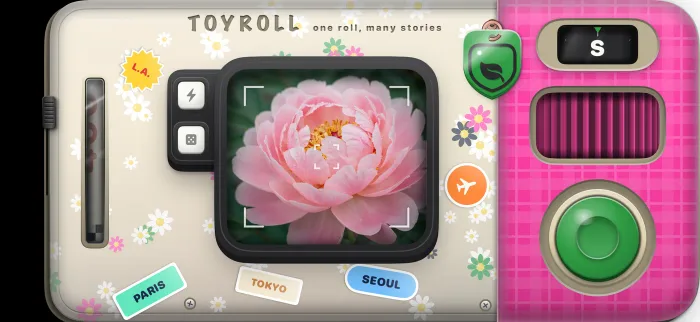
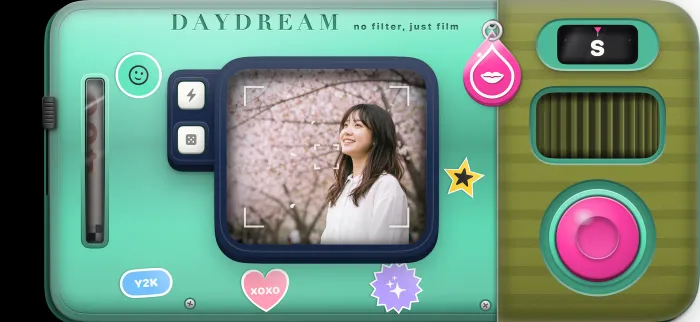
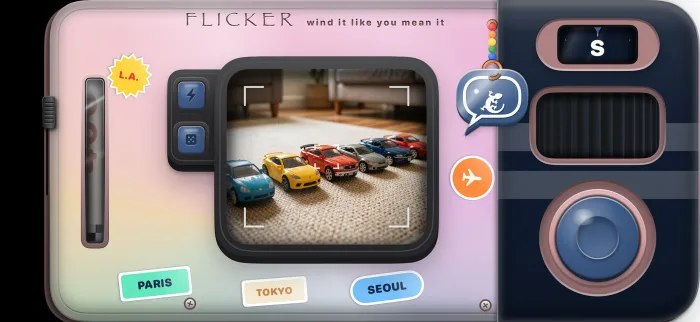
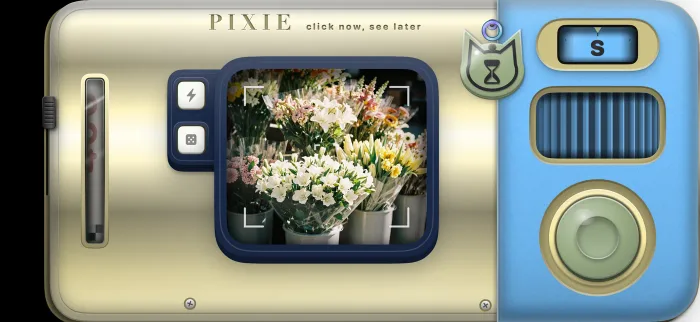
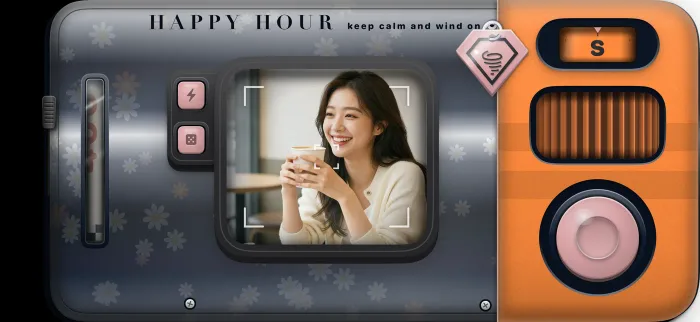
ToyRoll is a toy film camera you hold sideways. Wind the wheel, press the shutter, one frame at a time. You can not see the photos until the roll is developed.
Coming soon to theApp Store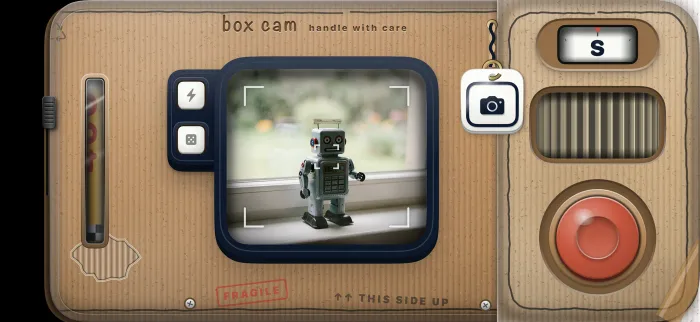
One frame at a time.
No preview. No retakes. Just a wheel, a shutter and a little patience.
- 1
Wind.
Turn the wheel to advance the film. The shutter waits for you.
- 2
Click.
Press the shutter. One frame, gone into the roll.
- 3
Wait.
You can not see the photos until the roll is developed.
- 4
Rewind.
When the roll is done, open the back latch and turn the rewind crank by hand.
Want to stop early? The Develop button ends a roll before it is full.
See it roll.
Every color. Every pattern. Every charm.
Paint each part, wrap the body, stick on a patch, hang a charm. Charms swing with your phone and glint in the light.
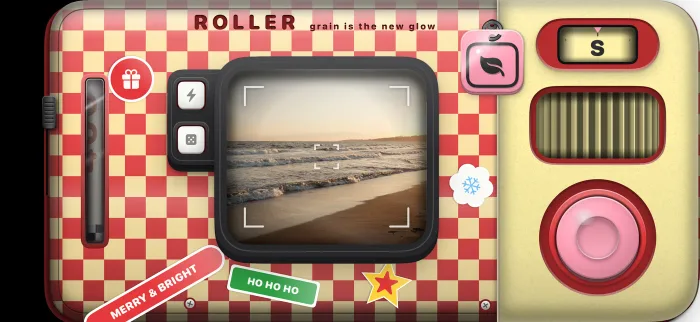
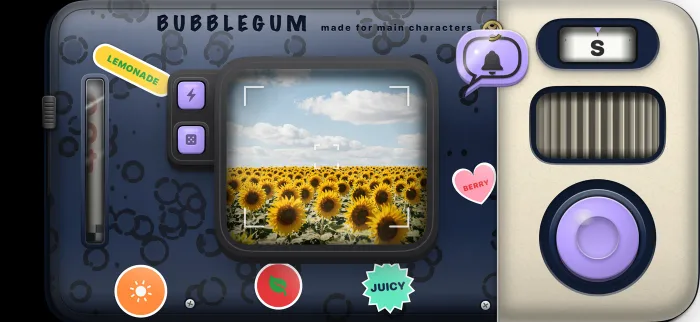
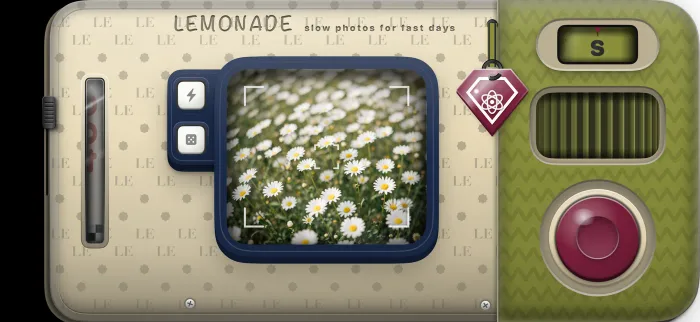
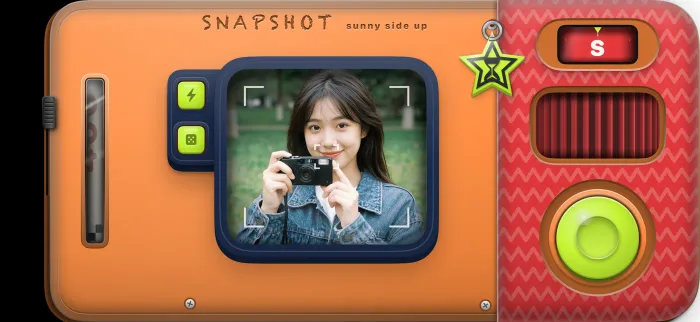
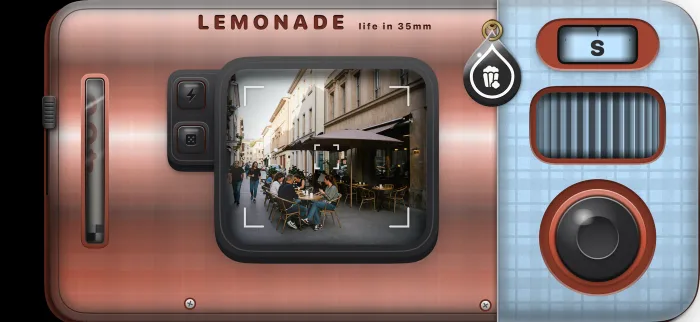
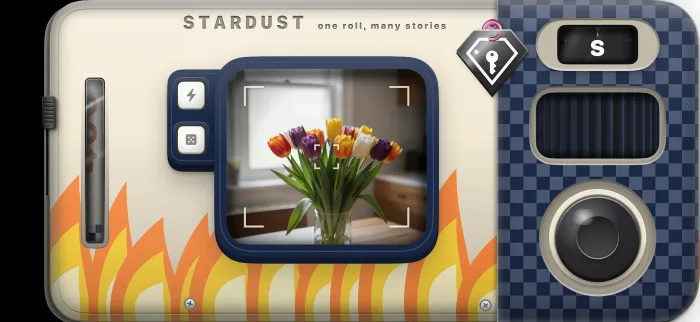
- 33colors, painted per part
- 13parts to paint
- 10wrap patterns
- 23body skins
- 14finishes
- 66patch motifs
- 32sticker packs
- 18charms
- 13straps
- 12hardware metals
- 12brand fonts
- 40brand names
- 48taglines
- 24film stocks
Roll the dice.
One button dresses the camera at random.
Keep your favorites.
Save your own presets.
Count them.
possible cameras.
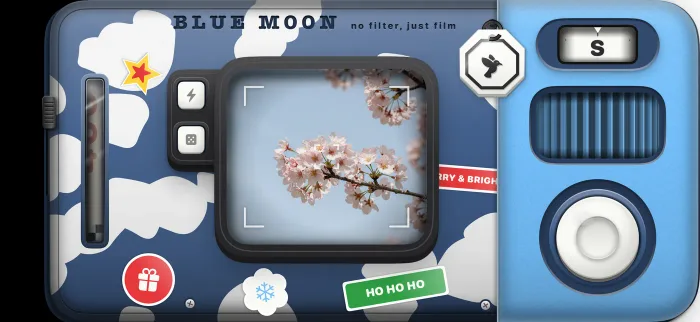
Every part, pattern, charm and film stock multiplies the rest. Odds are, nobody else has yours.
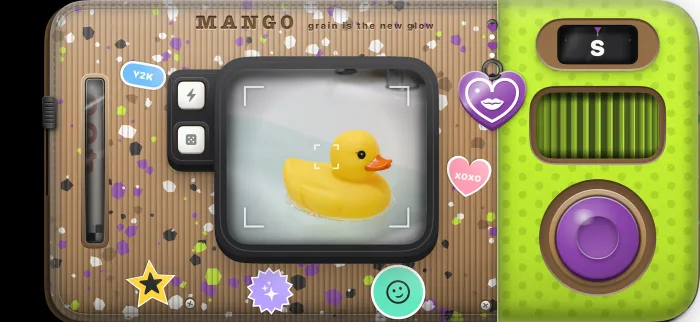
Every tap, a new camera.
Hit the dice and see what turns up.
Then it develops.
Finished rolls land in your roll archive.
One card per roll.
The camera as you dressed it, the film, the shot dates. Rename it whatever you like.
Negatives, kept.
Each roll keeps its negatives, laid out on a light box.
The darkroom.
- Exposure time
- Paper contrast grade 0–5
- B&W paper
- Three color filters
- Saturation
- Edge burn
Re-print a whole roll with a new look. Your first print is always kept, so you can go back to it.
Small things, done properly.
Real sounds.
Shutter, wheel ticks, flash charge and rewind, the way a toy camera sounds.
Double exposure.
Shoot two onto one frame.
Date stamp.
Print the date in the corner.
10 app icons.
Pick the one that fits your home screen.
Free to use.
ToyRoll is free. An optional one-time Pro purchase unlocks the locked presets. No subscription.
Questions
Can I see my photos right after shooting?
No. That is the point: you can not see the photos until the roll is developed.
How does a roll get developed?
When the roll is done, open the back latch and turn the rewind crank by hand. The Develop button ends a roll early.
Where do my developed rolls go?
To the roll archive, one card per roll, with its negatives on a light box.
Can I change the look of a roll afterwards?
Yes. The darkroom re-prints the whole roll, and the first print is kept so you can go back to it.
Is ToyRoll free?
Yes. An optional one-time Pro purchase unlocks the locked presets. There is no subscription.
When is it on the App Store?
Soon. This page will link to it as soon as it is live.

Make it yours.
A toy film camera for iPhone. Coming soon to the App Store.
Coming soon to theApp Store